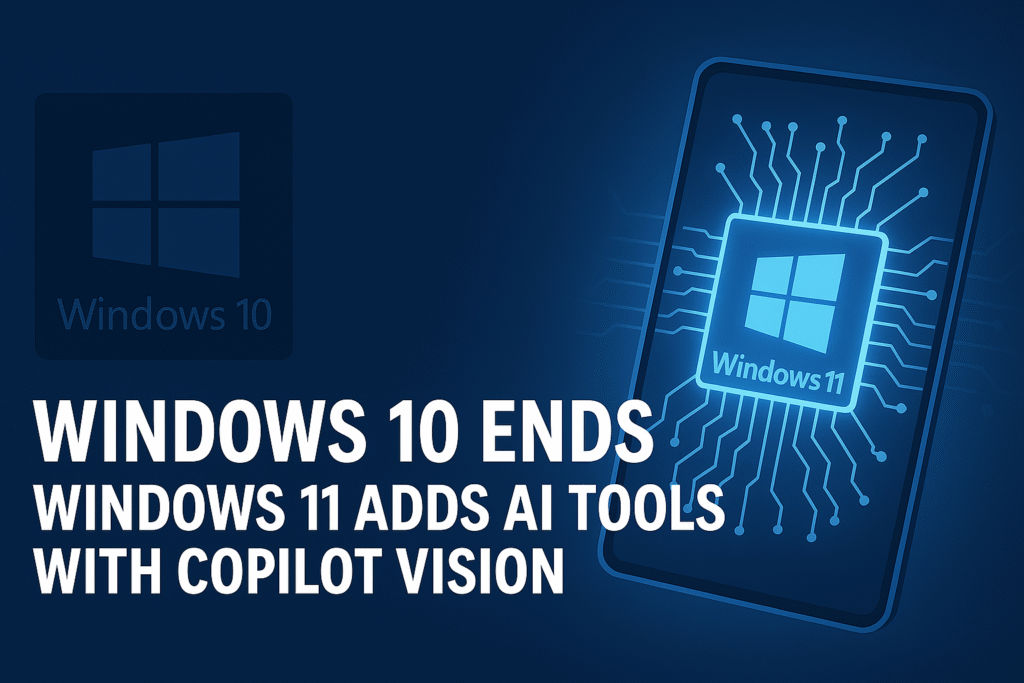
After nearly a decade of dominance, Windows 10 has officially reached its end of life. Microsoft has now closed the chapter on its most widely used operating system — shifting focus entirely to Windows 11, which is evolving into a smarter, AI-driven platform.
The tech giant is reimagining how users interact with PCs through Copilot Vision, an intelligent AI assistant capable of understanding on-screen content, managing tasks, and executing commands with natural voice or text.
This week’s tech headlines confirm it: the future of Windows is powered by AI.
⚙️ 1. Windows 10 Support Officially Ends
📅 The End Date Has Arrived
Microsoft confirmed that October 14, 2025, marks the official end of support for Windows 10.
This means:
- No more free security updates or performance patches for most users.
- No official technical support from Microsoft for the OS.
- Limited functionality for future software updates or apps.
However, PCs running Windows 10 won’t suddenly stop working — they’ll simply become less secure and less compatible over time. Users will still be able to operate their systems but with increasing cybersecurity risks and limited new app compatibility.
Read Also This: 🚗 Teach Your Car by Phone: How Smartphone AI Assistants Learn Your Driving Habits
💡 Why It Matters
- Popular apps and browsers will slowly phase out support.
- Security vulnerabilities could go unpatched.
- Enterprises using Windows 10 will need to migrate quickly or subscribe to Extended Security Updates (ESU) for temporary protection.
The message is clear: Windows 11 isn’t optional anymore — it’s essential.
🤖 2. Windows 11 Steps Into the AI Era
Windows 11 isn’t just a visual upgrade — it’s a complete AI transformation.
The latest update introduces Copilot Vision, the next evolution of Microsoft’s AI assistant, now capable of seeing and understanding what’s on your screen.
🧠 Meet Copilot Vision
Unlike traditional assistants, Copilot Vision can analyze images, windows, and interfaces — making sense of what you’re doing. For example:
- You can highlight an error message and ask, “How do I fix this?”
- Show a photo or document and ask the AI to describe or summarize it.
- Request complex changes, such as “Adjust my screen brightness and close background apps.”
🔊 Copilot Voice Integration
You can now activate Copilot hands-free with “Hey Copilot”, turning voice into the new command language for Windows.
From launching apps to summarizing text or setting reminders, voice-driven interaction makes computing faster and more natural.
⚡ Other Smart Additions
- AI-assisted file organization: Automatically arranges files by category, topic, or project.
- AI screen summary: Summarizes content on your screen or in documents instantly.
- Context-aware assistance: Understands which app or file you’re working on and offers relevant help.
Microsoft describes this as the shift from a user-controlled OS to an AI-assisted workspace.
🌐 3. What Users Need to Do Now
🧩 For Windows 10 Users
If you’re still running Windows 10, here’s your action plan:
- Check hardware compatibility using Microsoft’s PC Health Check tool.
- Back up data to OneDrive or an external drive before upgrading.
- Install Windows 11 (it’s free for most users with eligible devices).
- If your PC isn’t compatible, consider a hardware upgrade — especially if it lacks TPM 2.0 or Secure Boot.
💬 “Your computer won’t just stop working, but it will stop evolving.”
🧠 For Windows 11 Users
Update to the latest build to get Copilot Vision and Voice.
- Try asking Copilot questions about your open documents.
- Test voice commands to launch settings or apps.
- Explore the AI Hub under Settings → System → Copilot for new capabilities.
💼 4. What It Means for Businesses and IT Teams
The transition affects more than home PCs — it reshapes business infrastructure.
- Security Priority: Staying on Windows 10 now poses major compliance risks for organizations handling sensitive data.
- AI Integration: Businesses using Windows 11 gain productivity boosts through automation, meeting transcription, and real-time assistance.
- Hardware Refresh: Many companies are accelerating hardware upgrades to meet Windows 11 requirements and leverage its AI tools.
- Workforce Adaptation: IT teams will now need AI training programs, not just software onboarding.
Essentially, the enterprise PC is evolving from a static workstation to a thinking partner.
🌍 5. Global Impact — UK, US & Canada
🇬🇧 United Kingdom
In the UK, where hybrid work culture is still strong, AI features like Copilot Vision can help employees collaborate better, automate office tasks, and optimize daily workflows.
🇺🇸 United States
For American consumers, Microsoft’s AI push aligns with the surge in “AI PC” branding. Expect new laptops and desktops advertised as AI-ready, featuring integrated Copilot keys and enhanced local processing for faster response times.
🇨🇦 Canada
With its growing tech adoption, Canada is seeing rapid enterprise migration to Windows 11, especially among small and mid-sized businesses focusing on automation and data protection.
Across these markets, Microsoft’s AI evolution reflects one message — personal computers are becoming truly personal again.
🧰 6. Key Features That Define Copilot Vision
| Feature | What It Does | Why It Matters |
|---|---|---|
| Visual Recognition | Understands on-screen content, images, and errors | No need to search manually for fixes |
| Voice Commands | Executes tasks with natural speech | Enables hands-free productivity |
| Context Awareness | Adapts suggestions based on your activity | Streamlines multitasking |
| AI Summaries | Condenses on-screen text or files | Speeds up research and reporting |
| App Integration | Works across Office, Edge, and File Explorer | Unifies productivity tools |
⚠️ 7. The Challenges Ahead
Even as AI takes center stage, there are growing concerns and limitations:
- Privacy: Voice and visual analysis require careful handling of personal data.
- Hardware barriers: Not all PCs will support the latest AI functions.
- Learning curve: Users must adapt to new workflows based on automation.
- Regional rollout: Some features launch gradually across markets.
Still, Microsoft’s focus on on-device AI processing and data transparency shows a clear commitment to user trust and global consistency.
🏁 ConclusionThe end of Windows 10 marks more than just the death of an operating system — it’s the birth of a new era of AI-powered computing.
With Windows 11 and Copilot Vision, your computer now understands what’s on your screen, listens to your voice, and acts on your behalf. The age of “point and click” computing is being replaced by “talk and think” experiences.
For users across the UK, US, and Canada, upgrading isn’t just a recommendation — it’s the key to unlocking a smarter, more intuitive digital world.
The future of Windows isn’t about control — it’s about collaboration with AI.
❓ Frequently Asked Questions (FAQ)
Q1: Is Windows 10 completely unusable after October 2025?
No. It will still function, but it won’t receive security or feature updates, leaving it vulnerable to future threats.
Q2: What is Copilot Vision in Windows 11?
It’s an AI system that visually understands on-screen content and provides context-aware help, automation, and insights.
Q3: Do I need new hardware for Windows 11?
Many PCs built after 2018 are compatible. You’ll need TPM 2.0, Secure Boot, and a supported processor.
Q4: Will Copilot Vision work offline?
Some voice and visual features require an internet connection, but local AI processing is expanding with newer devices.
Q5: When will all users get Copilot Vision?
Global rollout began in late 2025, reaching most regions — including the UK, US, and Canada — by early 2026.

Azeem Aosaf is a visionary entrepreneur, digital strategist, and educator with a mission to empower individuals through online earning and digital innovation. As the CEO of HelixNex LLC, he leads multiple ventures across e-commerce, education, and fintech—helping people turn their digital skills into sustainable income. Through his educational initiative RankTrak, Azeem has trained hundreds of students in SEO, YouTube Automation, Freelancing, and AI-powered marketing. His work bridges technology and opportunity—creating a platform where learning meets real-world success. When he’s not mentoring students or building digital products, Azeem shares insights on entrepreneurship, marketing trends, and financial freedom through his blogs and social platforms. His core belief: “Your Growth, Our Mission.”